
7.7 KiB
Contributing
This guide have some instructions and tips on how to create a new Mangayomi extension on js extension.
Prerequisites
Before starting please have installed the recent desktop version of the mangayomi application preferably or if you want with a tablet too.
Writing your extension
- Open the app.
- Go to extension tab :
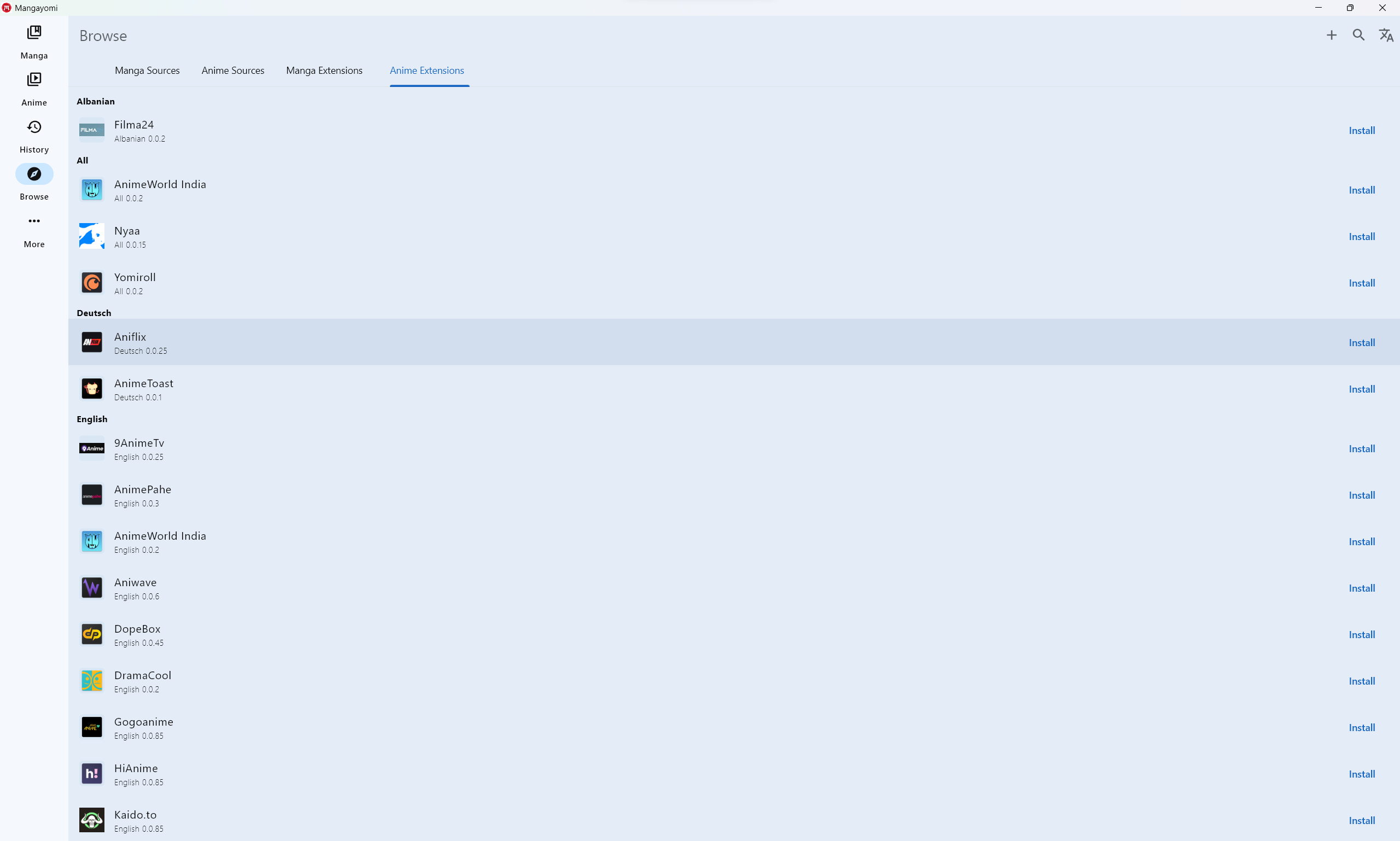
- then click
+and you will see :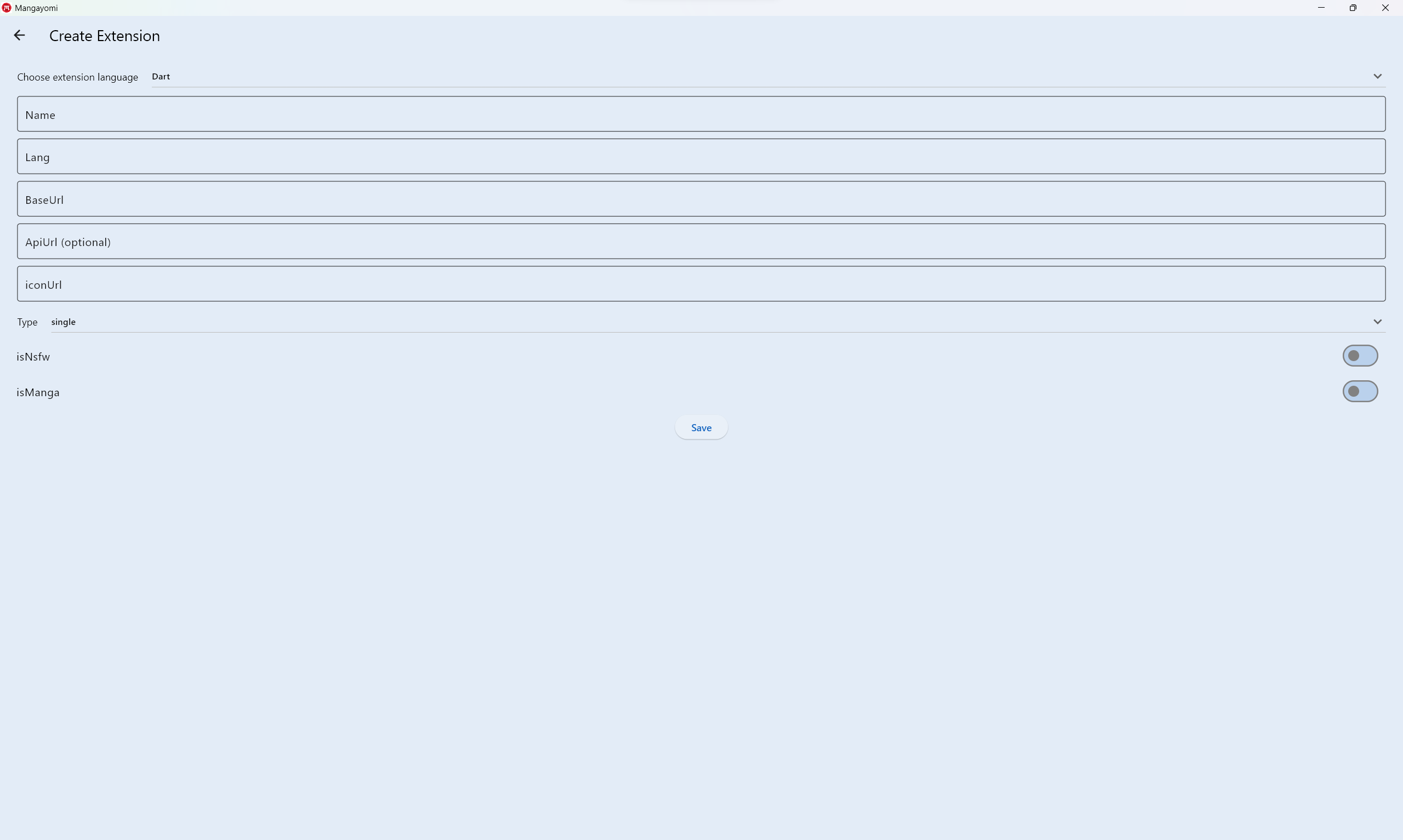
- Fill in the fields with your new source that you would like to create,
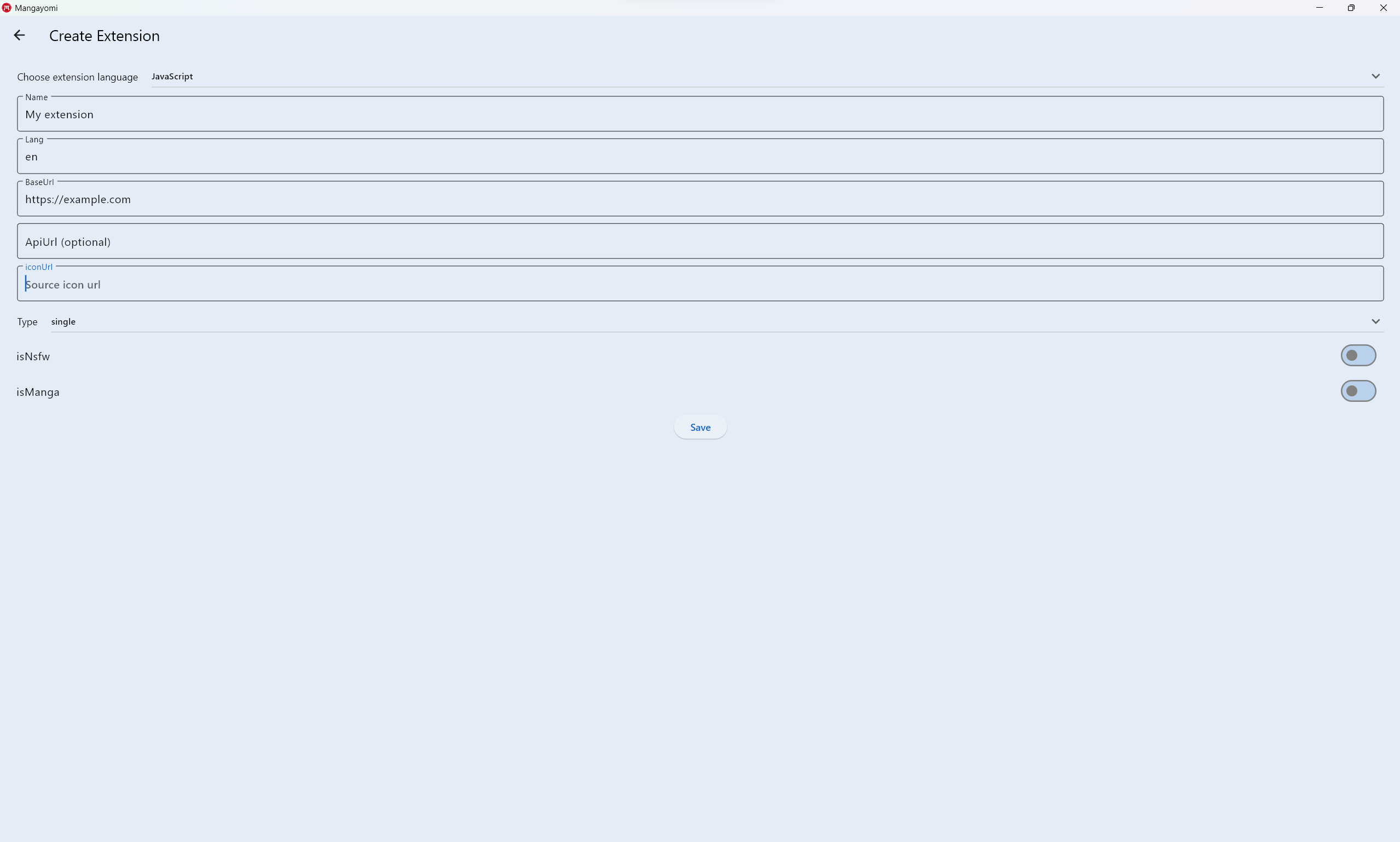 NB: only the
 ApiUrlfield is optional then click on save - you will see your new source in the extension list
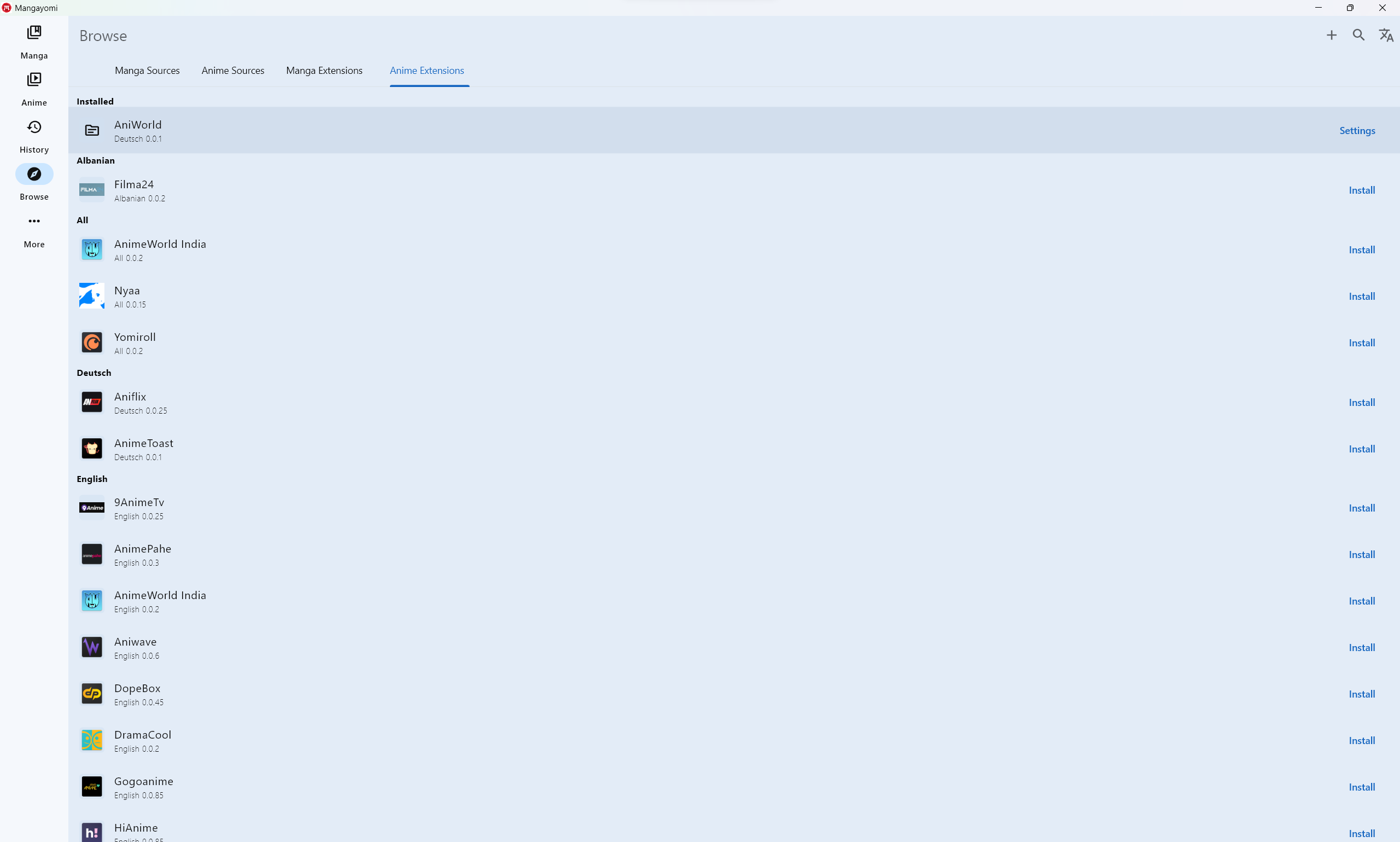 click to open settings
 - After click on edit code
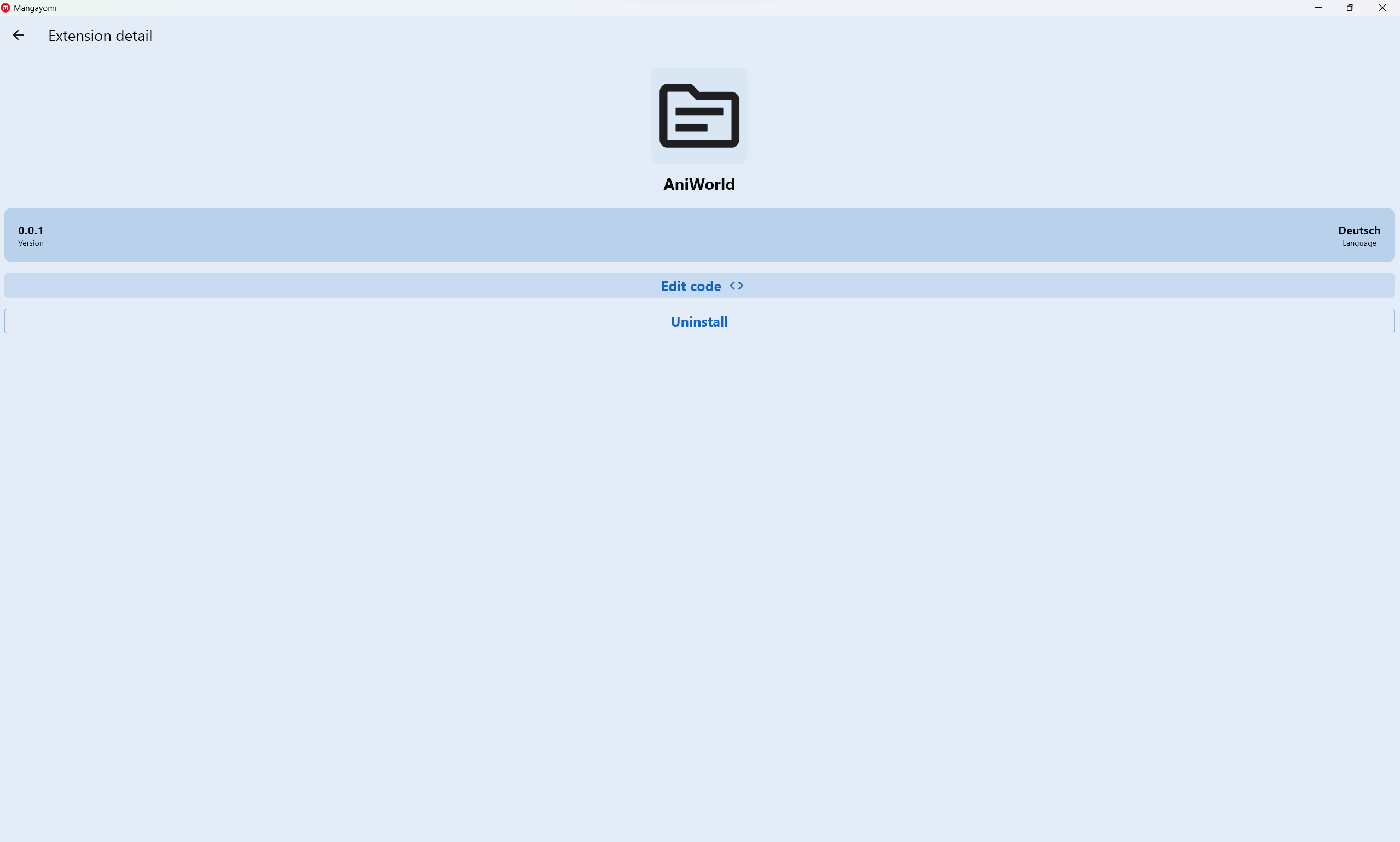
- Finally you can now write the extension
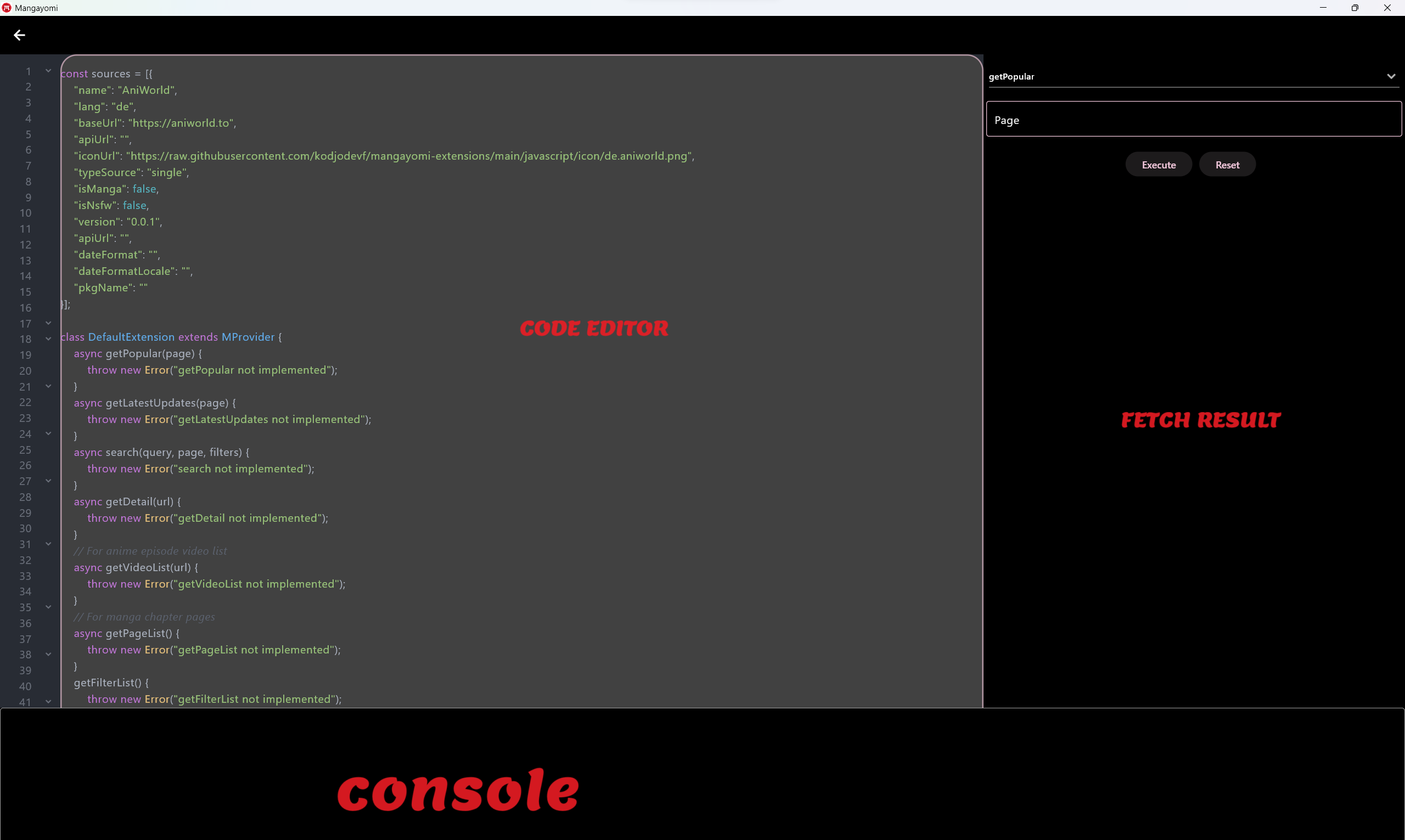
- This page contains three parts:
- Code editor: where you will write your code
- Fecth result: where you will test the different implemented methods by having a result in the expected format
- Console: which will show you the logs
Once extension is ready you can relocate your code into mangayomi-extension project in a src or multisrc package and create a Pull Request.
Source
| Field | Description |
|---|---|
name |
Name displayed in the "Sources" tab in Mangayomi. |
baseUrl |
Base URL of the source without any trailing slashes. |
apiUrl |
(Optional, defaults is empty) Api URL of the source with trailing slashes. |
lang |
An ISO 639-1 compliant language code (two letters in lower case in most cases, but can also include the country/dialect part by using a simple dash character). |
id |
Identifier of your source, automatically set in Source. It should only be manually overriden if you need to copy an existing autogenerated ID. |
isManga |
(Optional, defaults to true) specify source type (false for anime and true for manga) |
dateFormat |
(Optional, defaults is empty) |
iconUrl |
The extension icon URL |
version |
The extension version code. This must be incremented with any change to the code. |
dateFormatLocale |
(Optional, defaults is empty) |
isNsfw |
(Optional, defaults to false) Flag to indicate that a source contains NSFW content. |
Extension call flow
Popular manga
a.k.a. the Browse source entry point in the app (invoked by tapping on the source name).
- The app calls
getPopularwhich should return a JSON{ 'list': array of {'url':string,'name':string,'link':string}, hasNextPage: Boolean }- This method supports pagination. When user scrolls the manga list and more results must be fetched, the app calls it again with increasing
pagevalues(starting withpage=1). This continues whilehasNextPageis passed astrueandlistis not empty.
- This method supports pagination. When user scrolls the manga list and more results must be fetched, the app calls it again with increasing
Latest manga
a.k.a. the Latest source entry point in the app (invoked by tapping on the "Latest" button beside the source name).
- Similar to popular manga, but should be fetching the latest entries from a source.
Search manga
- When the user searches inside the app,
searchwill be called and the rest of the flow is similar to what happens withgetPopular. getFilterListwill be called to get all filters and filter types.
Manga Details
- When user taps on an manga,
getDetailwill be called and the results will be cached. getDetailis called to update an manga's details from when it was initialized earlier.-
titleis a string containing title. -
descriptionis a string containing description. -
authoris a string containing author. -
genrecontain array of all genres. -
statusis an "integer" value. You can refer to this example to see the correspondence:0=>"ongoing", 1=>"complete", 2=>"hiatus", 3=>"canceled", 4=>"publishingFinished", 5=>unknow -
chaptersorepisodescontain all of all manga chapters or anime episodes. -
nameis a string containing a chapter name. -
urlis a string containing a chapter url. -
scanlatoris a string containing a chapter scanlator. -
dateUploadis a string containing date expressed in millisecondsSinceEpoch.- If you don't pass
dateUploadand leave it null, the app will use the default date instead, but it's recommended to always fill it if it's available.
- If you don't pass
-
Chapter pages
- When user opens an chapter,
getPageListwill be called and it will return an array of string that are used by the reader.
Episode Videos
- When user opens an episode,
getVideoListwill be called and it will return aarray of {'url':string,'originalUrl':string,'quality':string}
that are used by the player.
Example sources that can help you understand how to create your source
Some functions already available and usable
http client
Return Response
- Simple request

const client = new Client();

const res = await client.get("http://example.com");

console.log(res.body);

- With headers

const client = new Client();

const res = await client.get("http://example.com",{"Referer": "http://example.com"});

console.log(res.body);

- With body

const client = new Client();

final res = await client.post("http://example.com",{"Referer": "http://example.com"},{'name':'test'});

console.log(res.body);
HTML DOM selector
Example:
const htmlString = `
<html lang="en">
<body>
<div><a href='https://github.com/kodjodevf'>author</a></div>
<div class="head">div head</div>
<div class="container">
    <table>
        <tbody>
          <tr>
              <td id="td1" class="first1">1</td>
              <td id="td2" class="first1">2</td>
              <td id="td3" class="first2">3</td>
              <td id="td4" class="first2 form">4</td>
              <td id="td5" class="second1">one</td>
              <td id="td6" class="second1">two</td>
              <td id="td7" class="second2">three</td>
              <td id="td8" class="second2">four</td>
          </tr>
        </tbody>
    </table>
</div>
<div class="end">end</div>
</body>
</html>`

const document = new Document(htmlString);
console.log(document.selectFirst("a").attr("href")); // https://github.com/kodjodevf
console.log(document.selectFirst("td").text); // 1
See dom_selector to see available methods.
String utils
- this.substringAfter(
string: pattern) - this.substringAfterLast(
string: pattern) - this.substringBefore(
string: pattern) - this.substringBeforeLast(
string: pattern) - this.substringBetween(
string: left,string: right)
Crypto utils
- unpackJs(
string: code); - deobfuscateJsPassword(
string: inputString) - encryptAESCryptoJS(
string: plainText,string: passphrase) - decryptAESCryptoJS(
string: encrypted,string: passphrase) - cryptoHandler(
string: text,string: iv,string: secretKeyString,Boolean: encrypt)
Help
If you need a help or have some questions, ask a community in our Discord server.